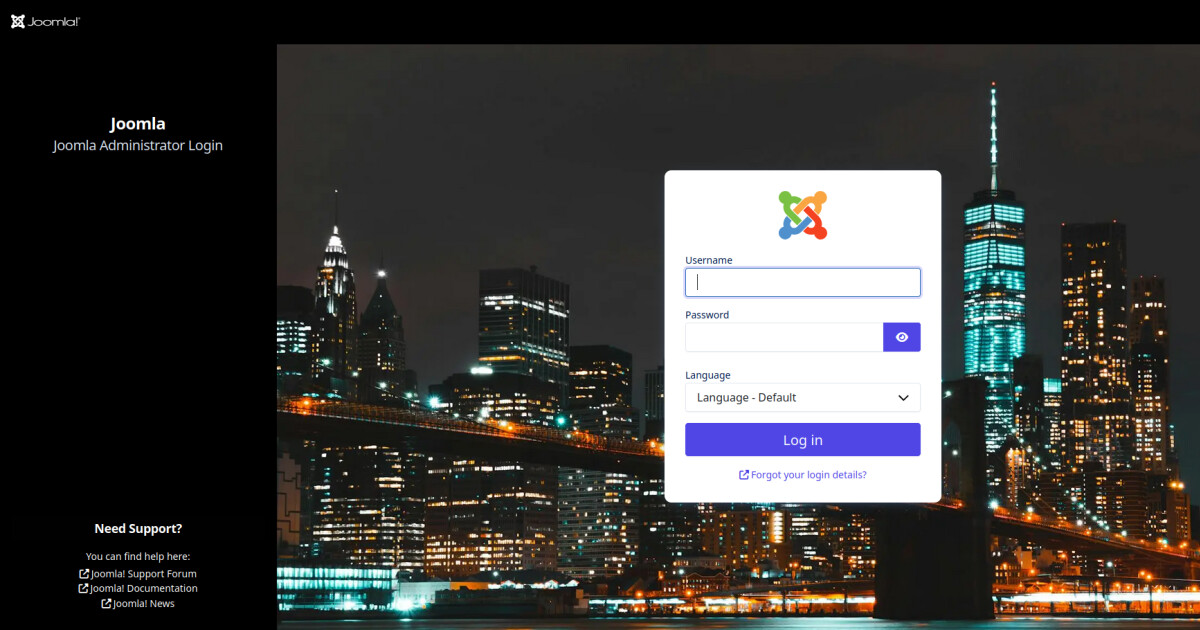
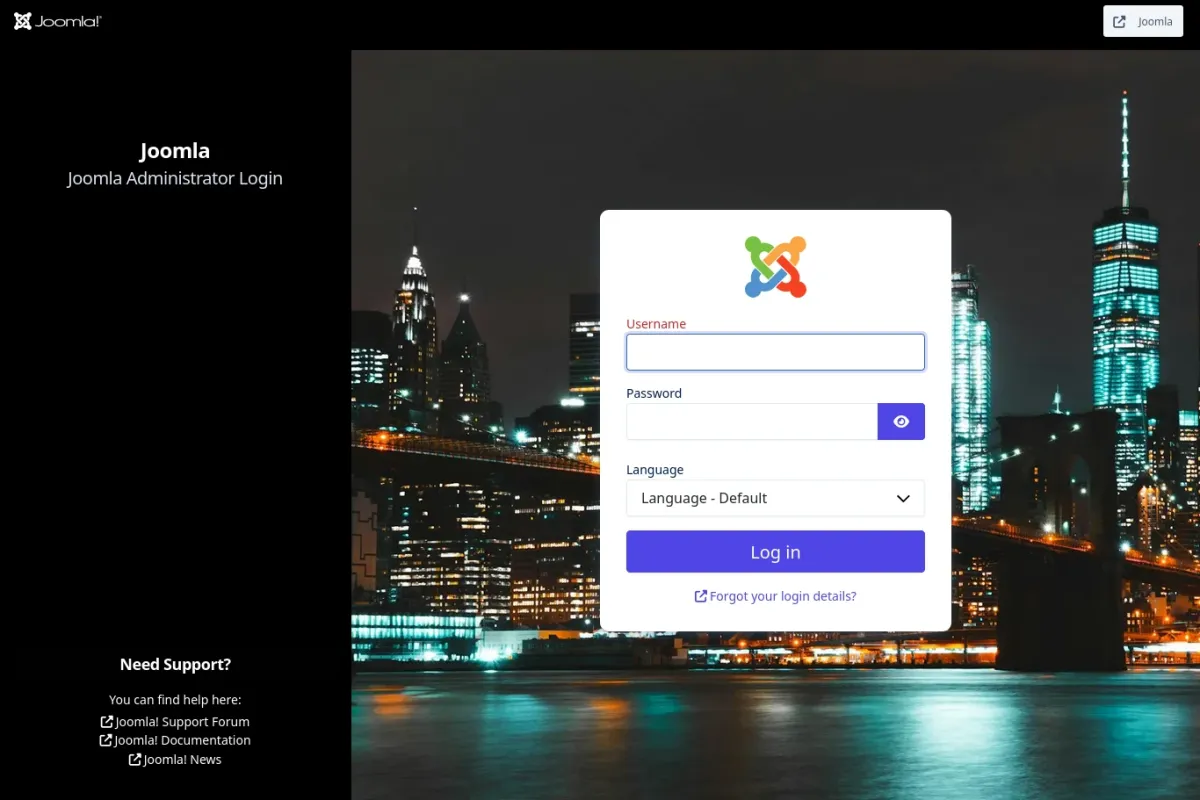
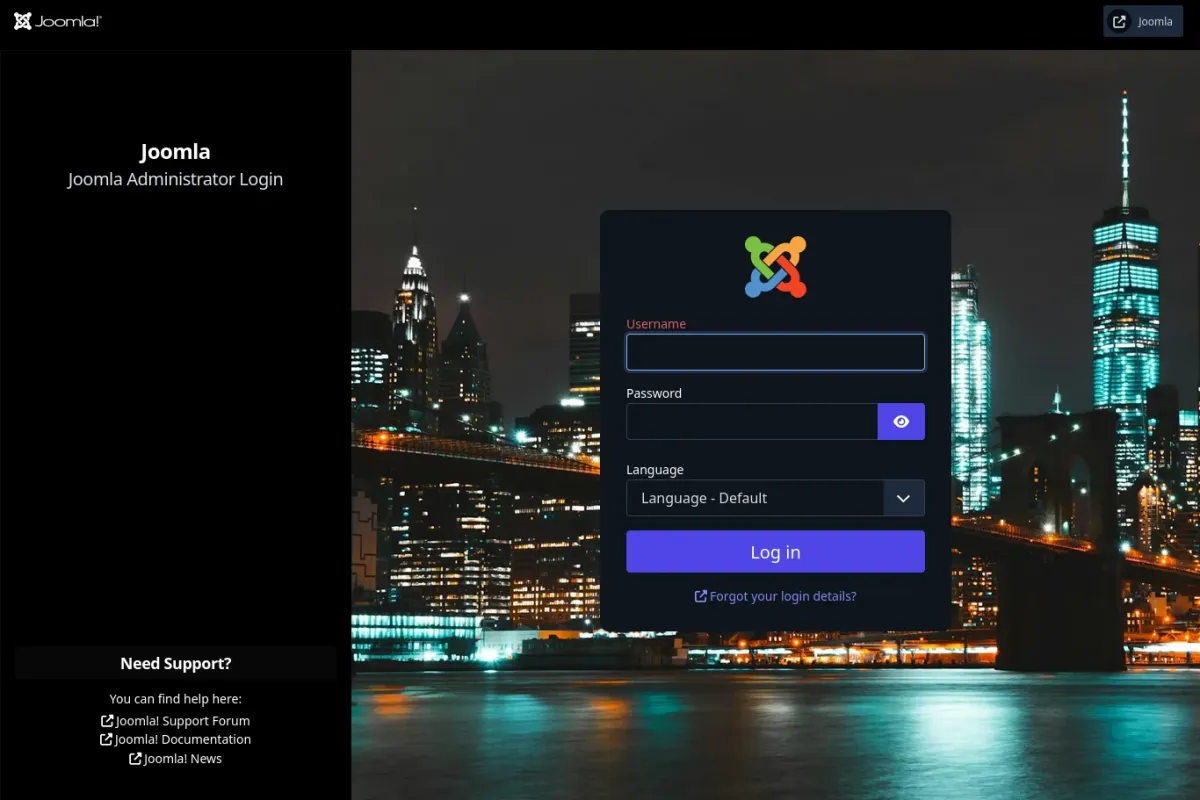
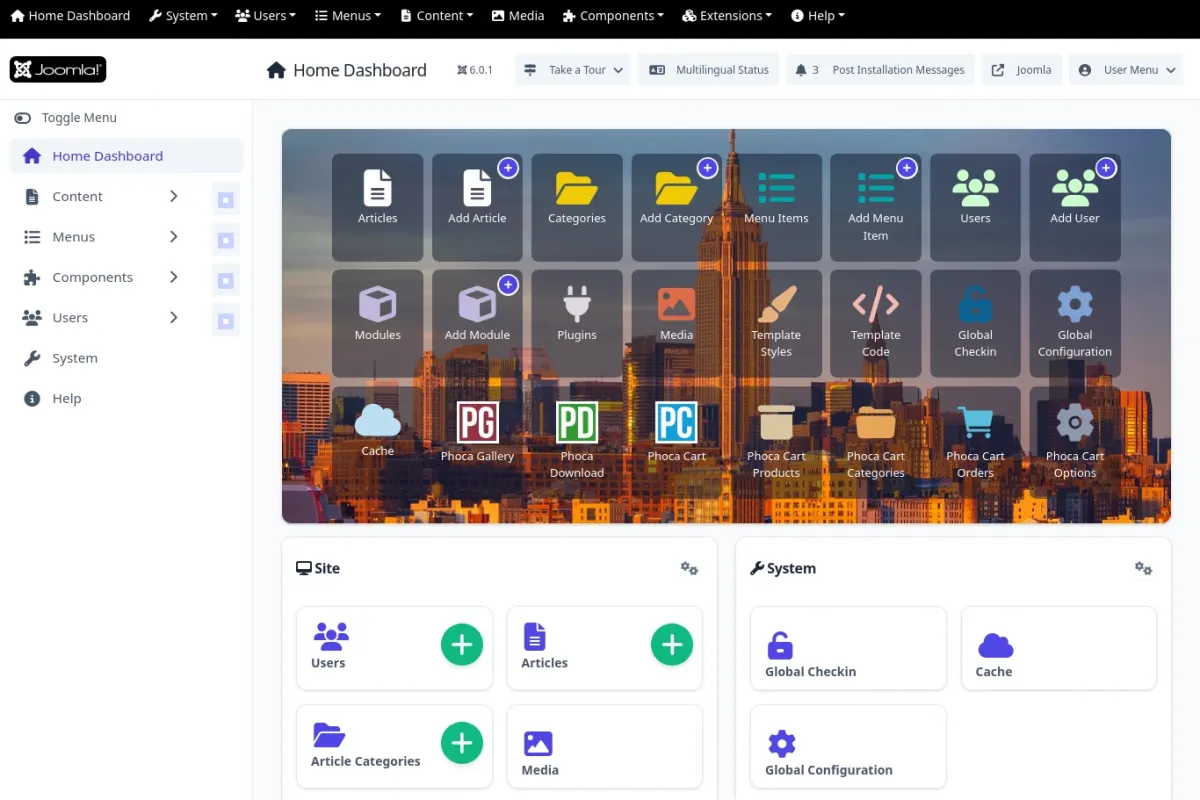
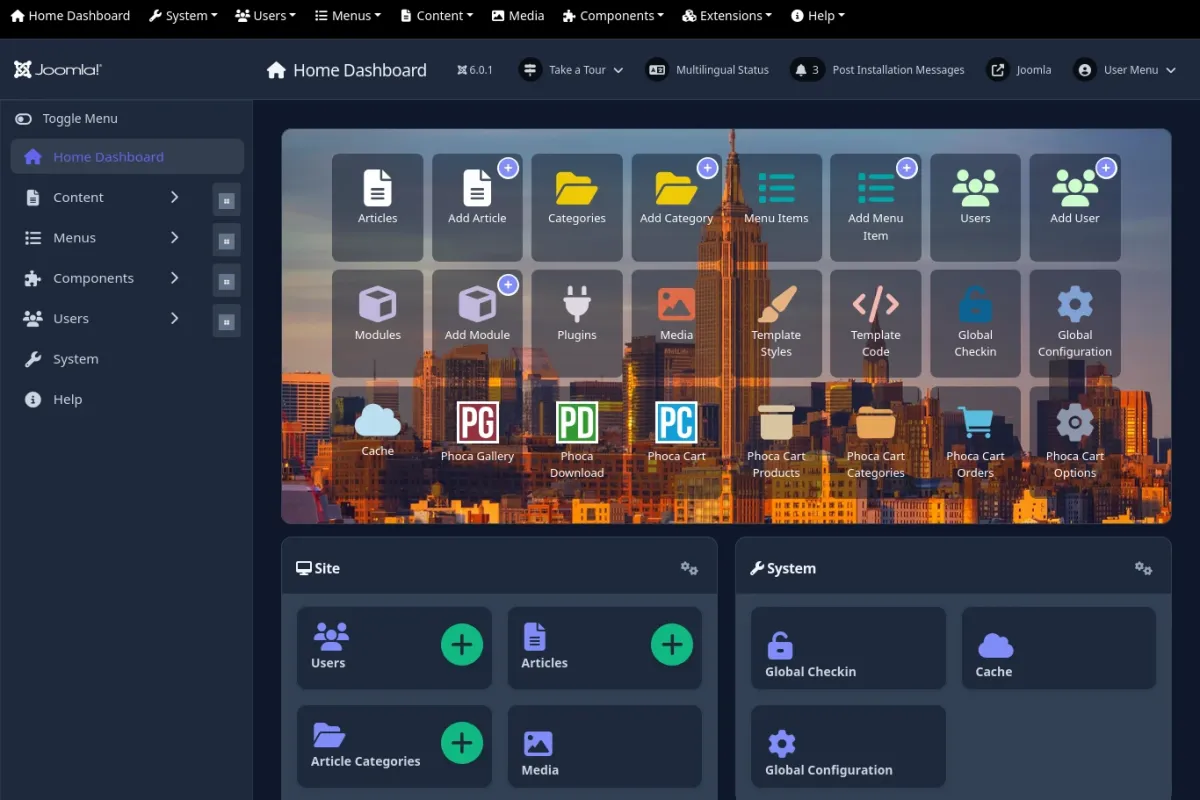
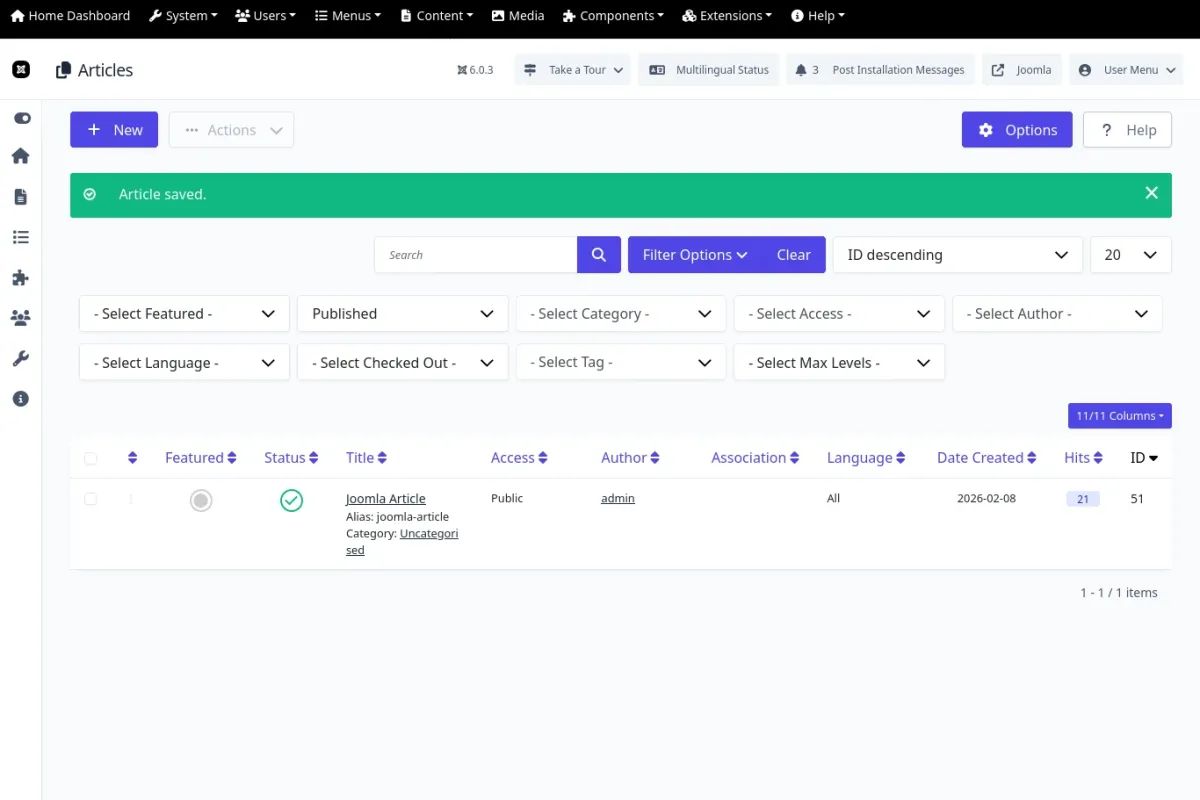
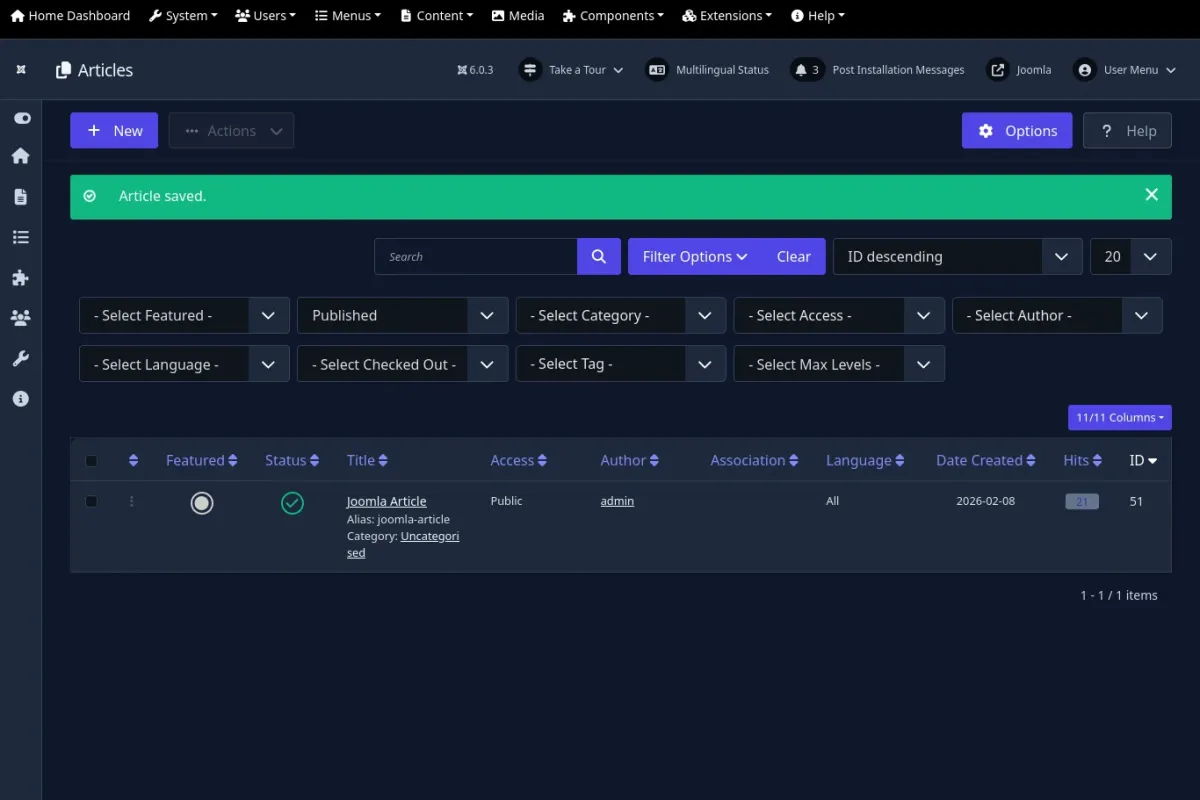
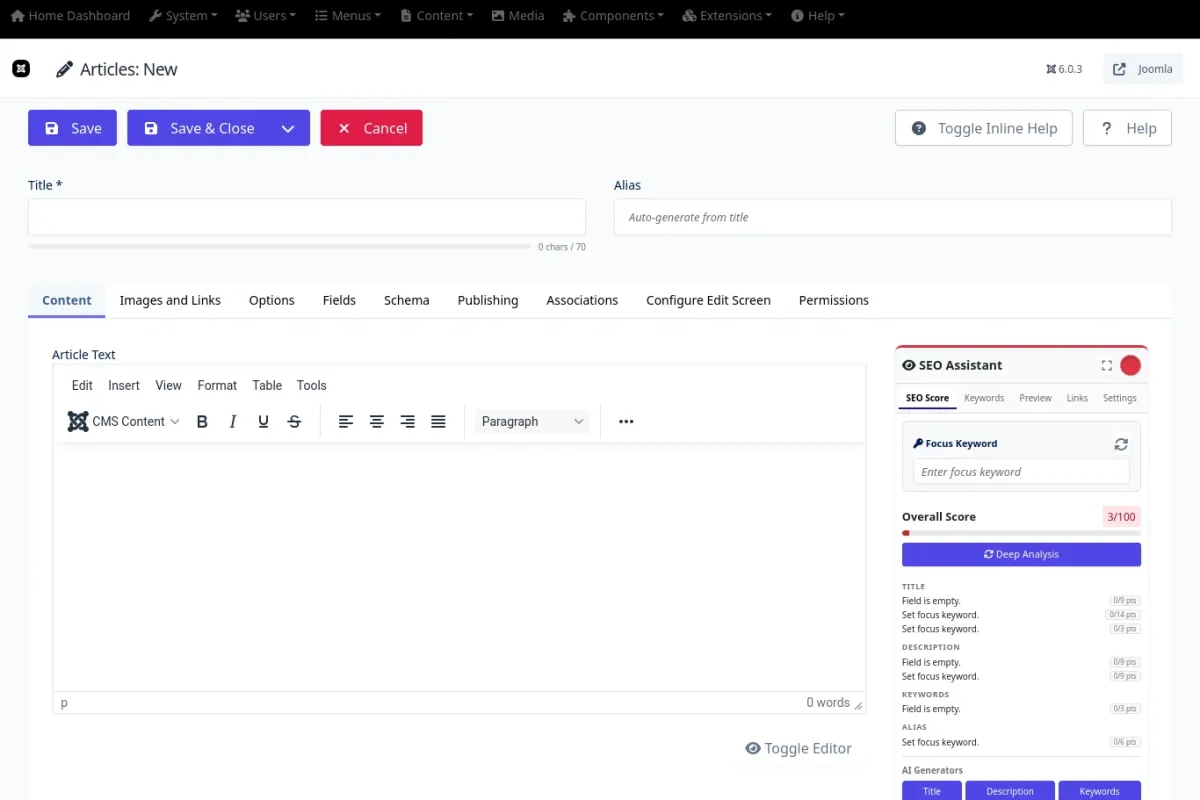
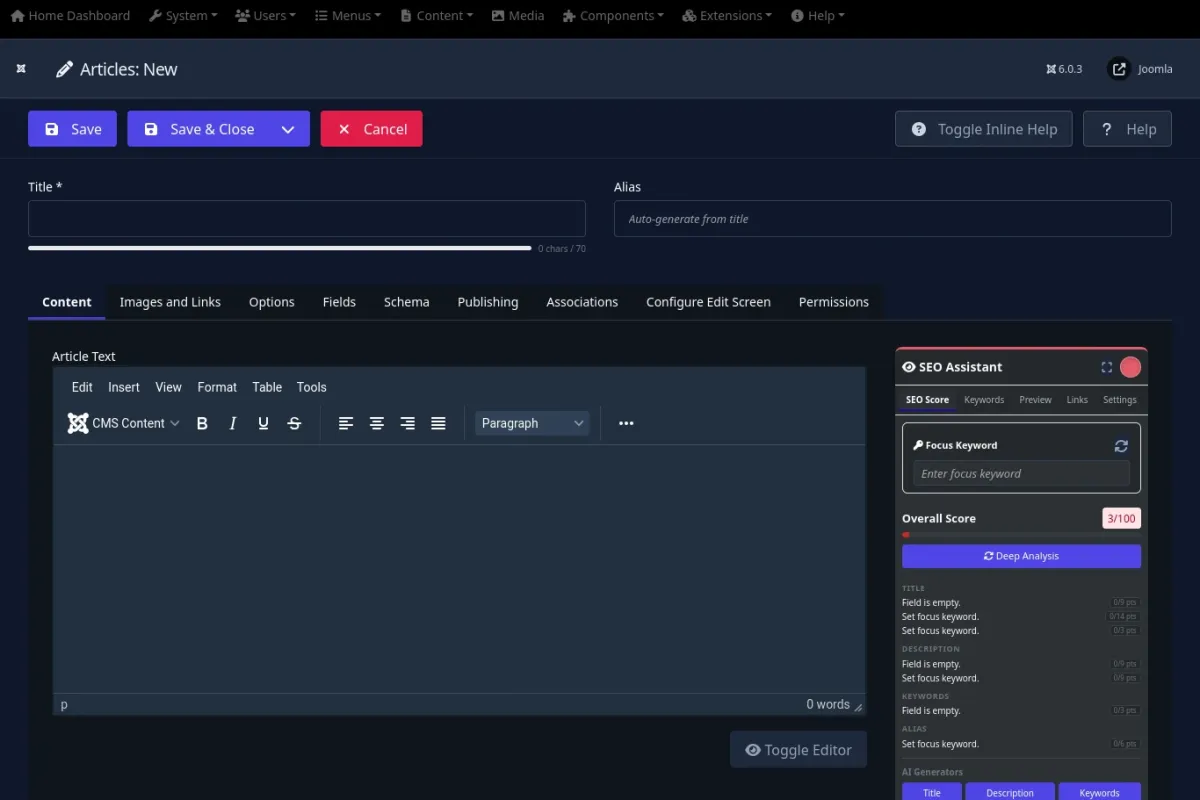
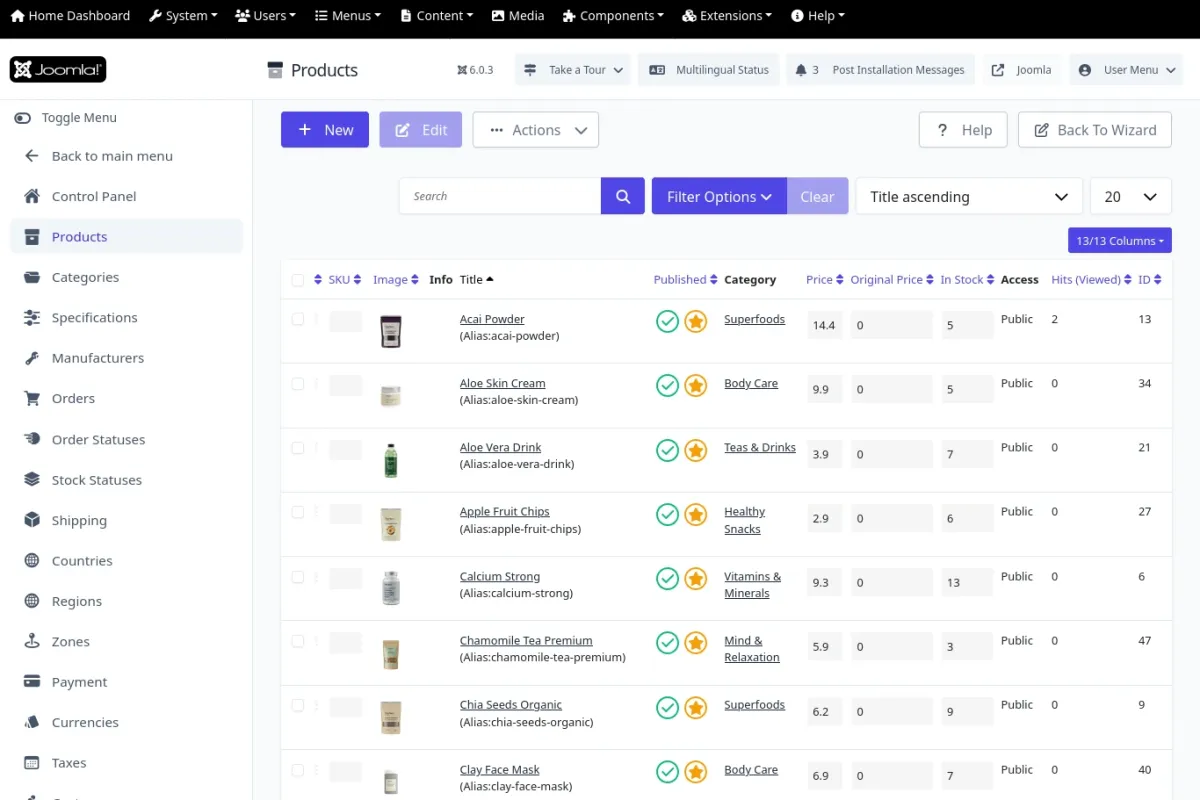
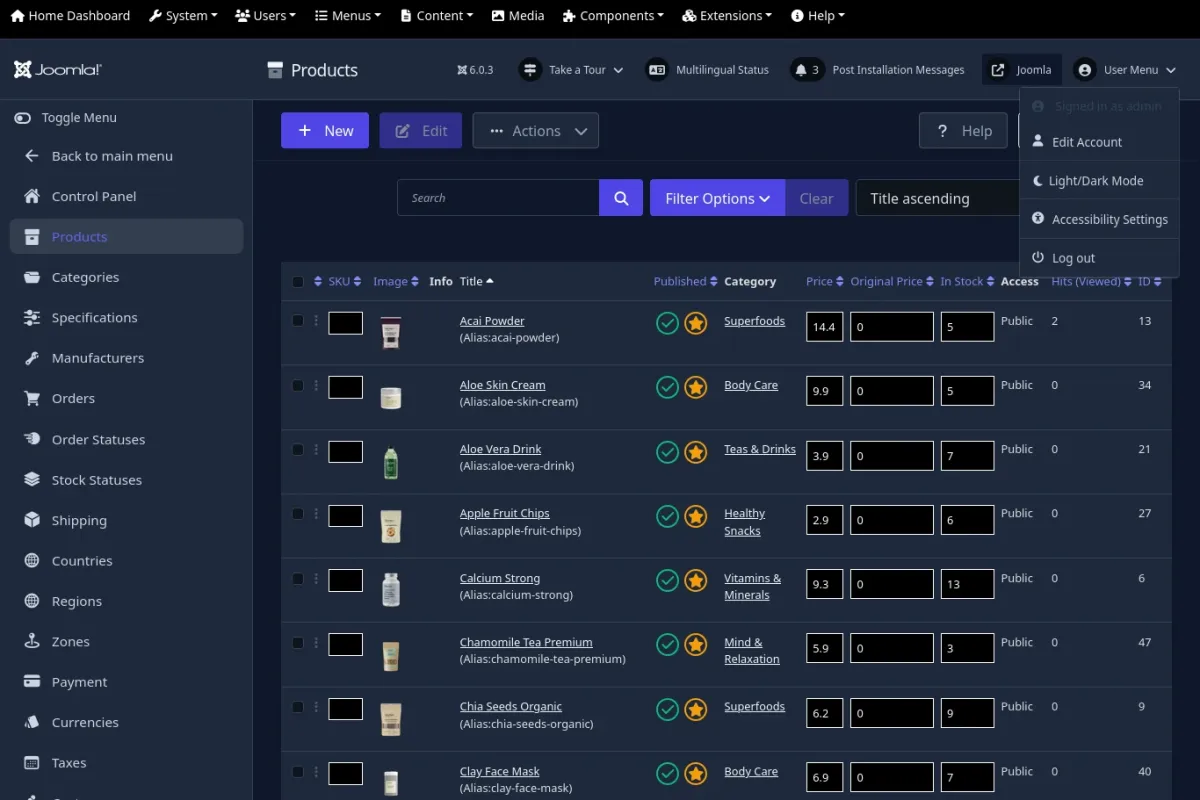
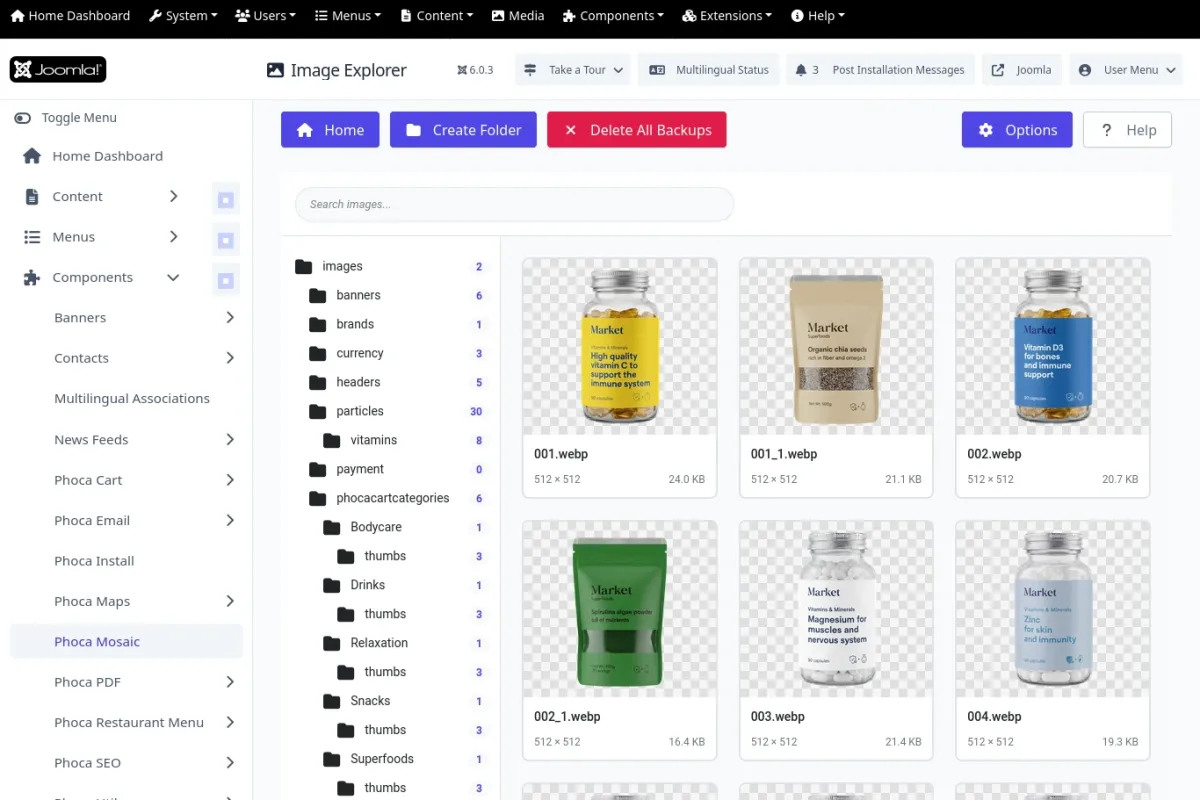
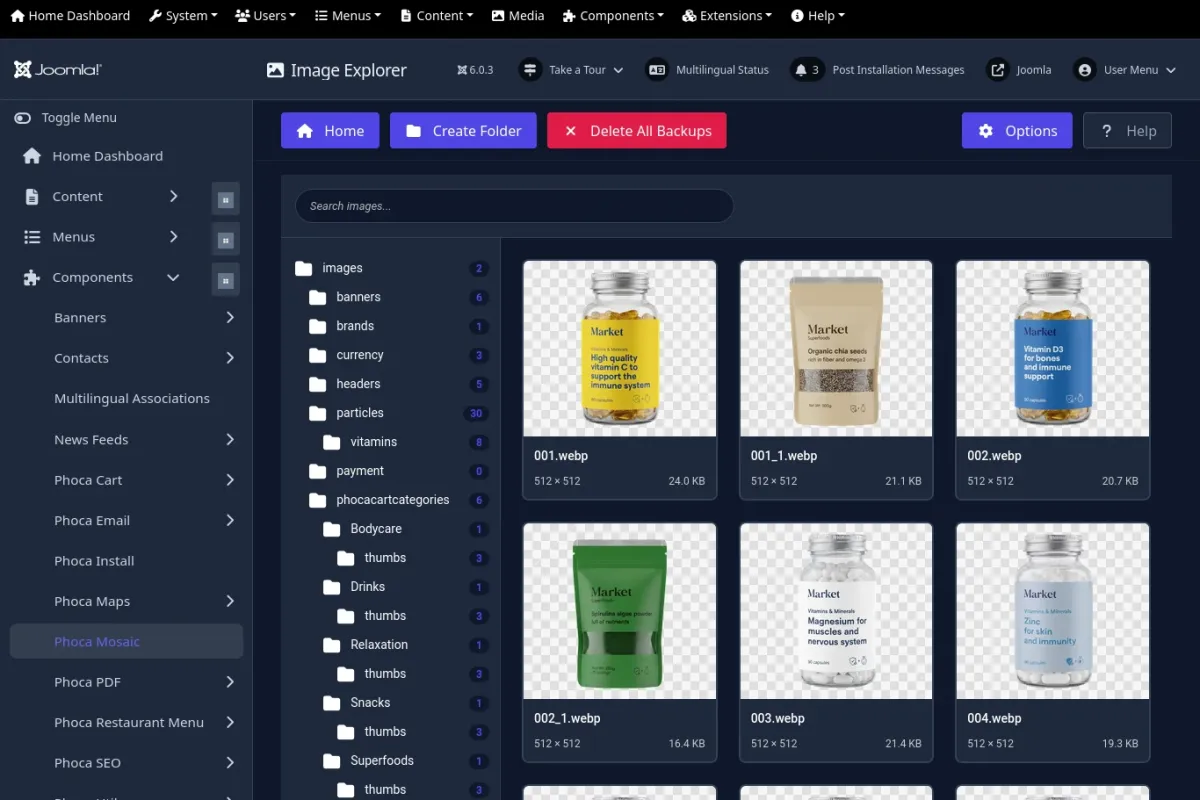
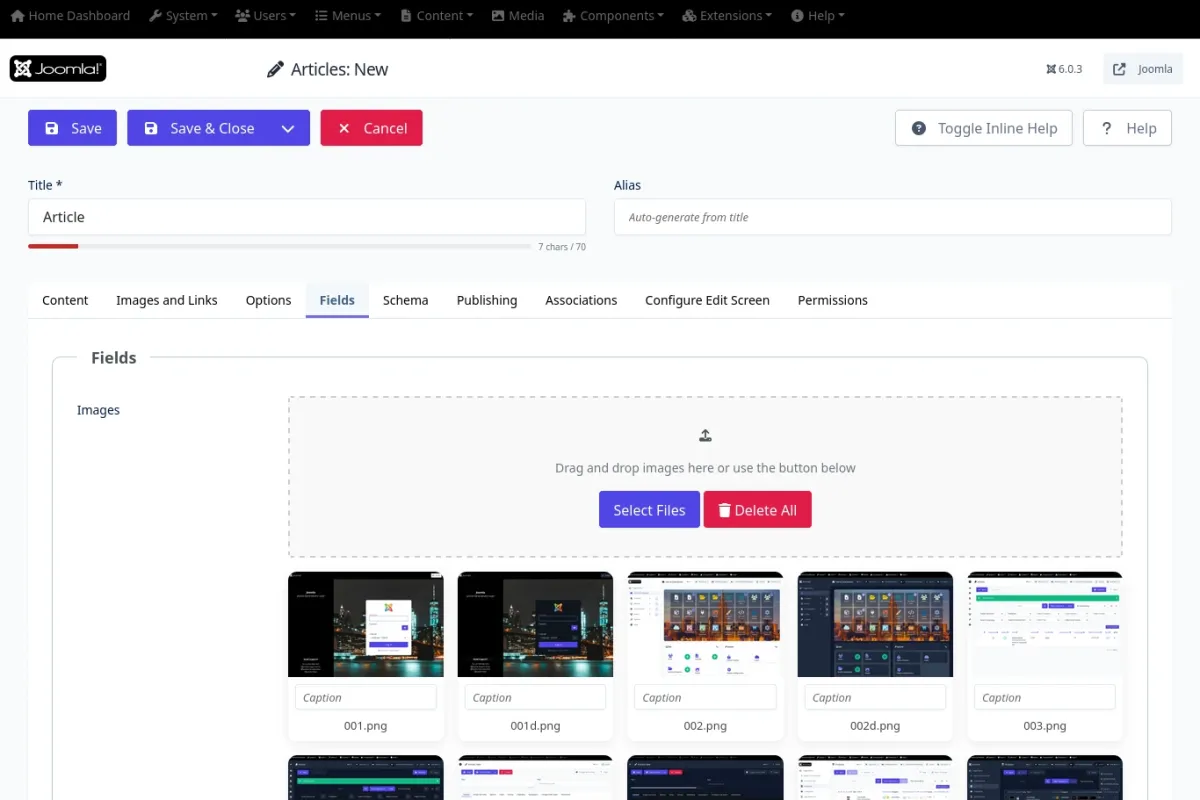
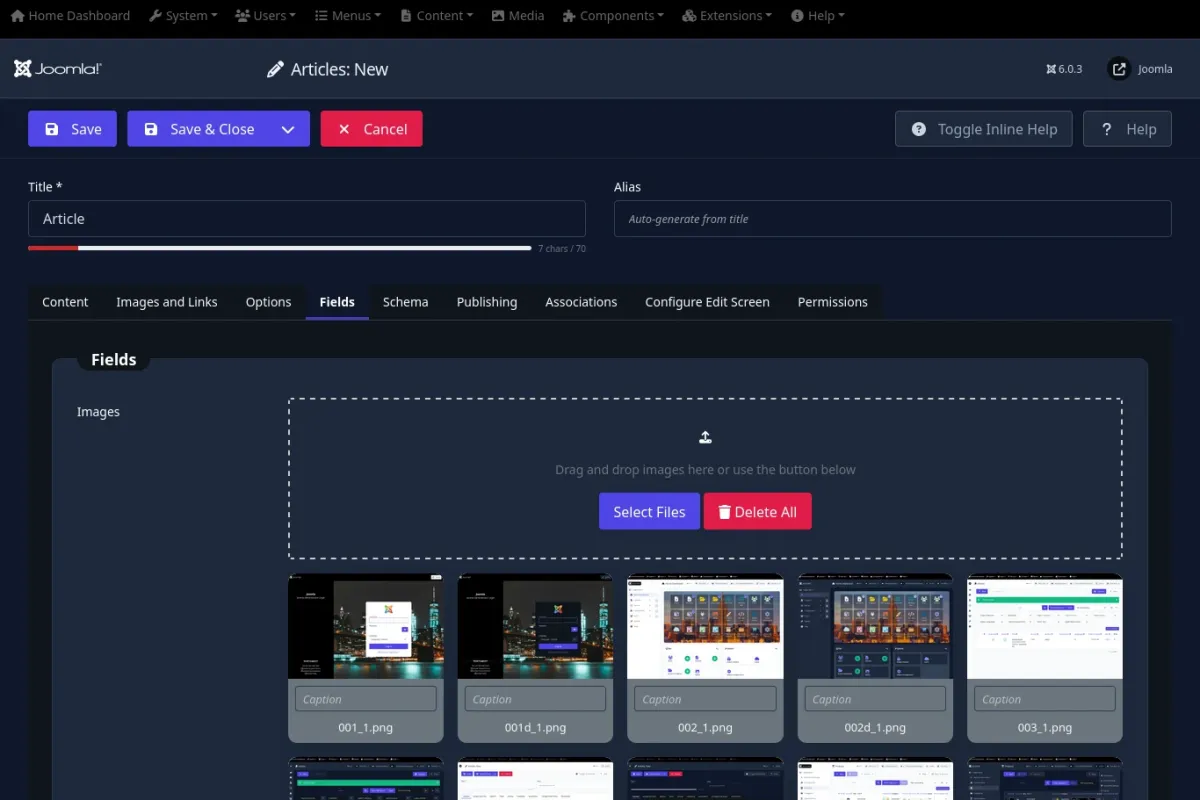
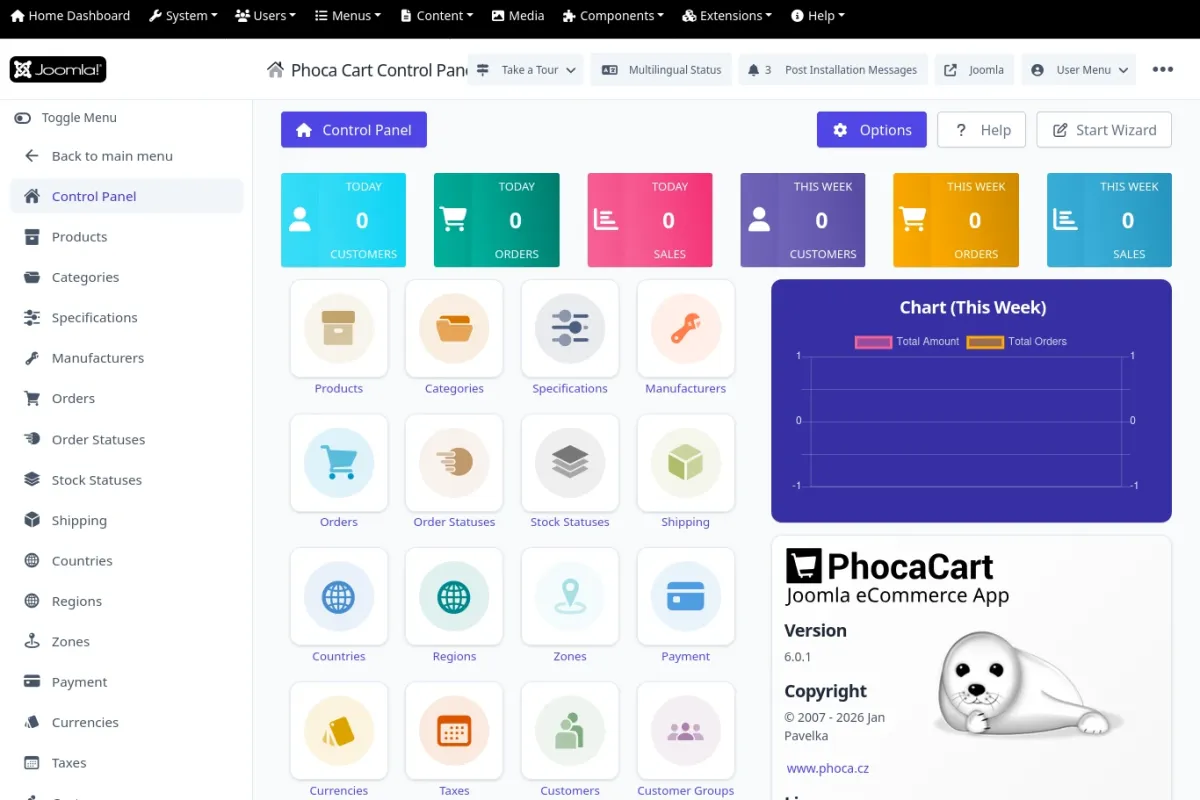
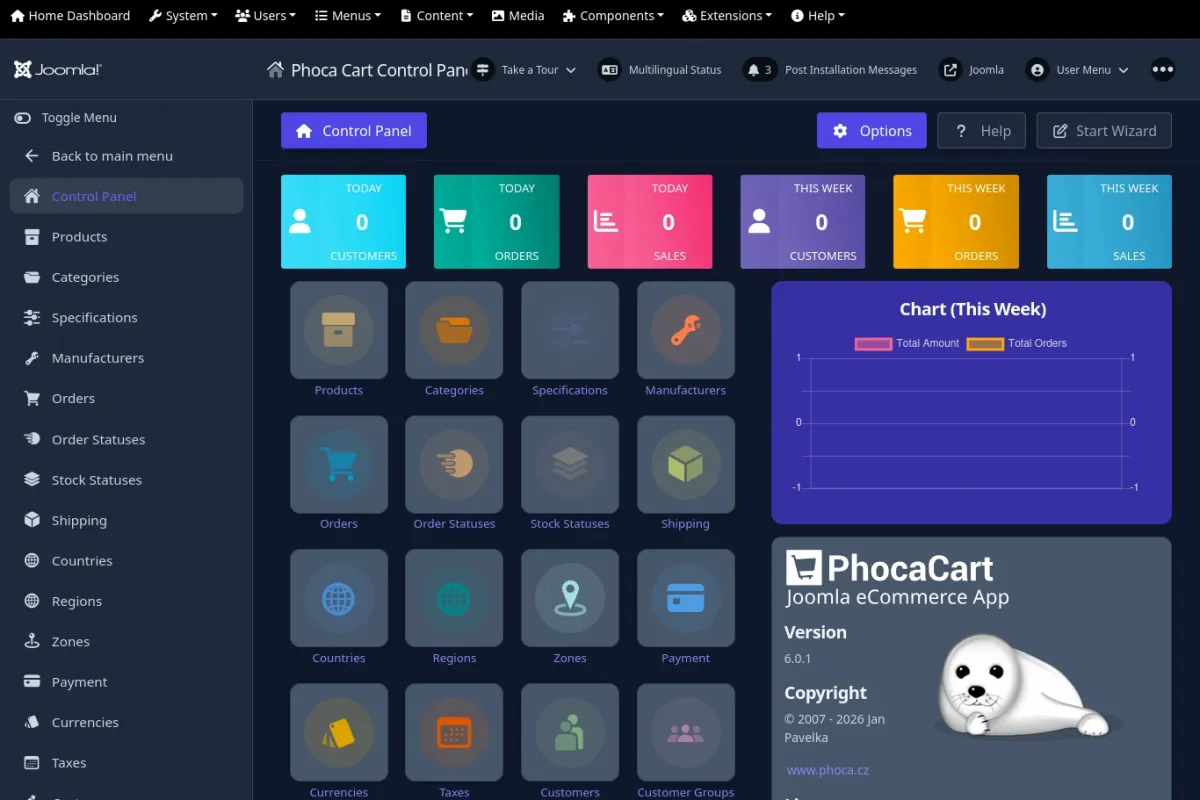
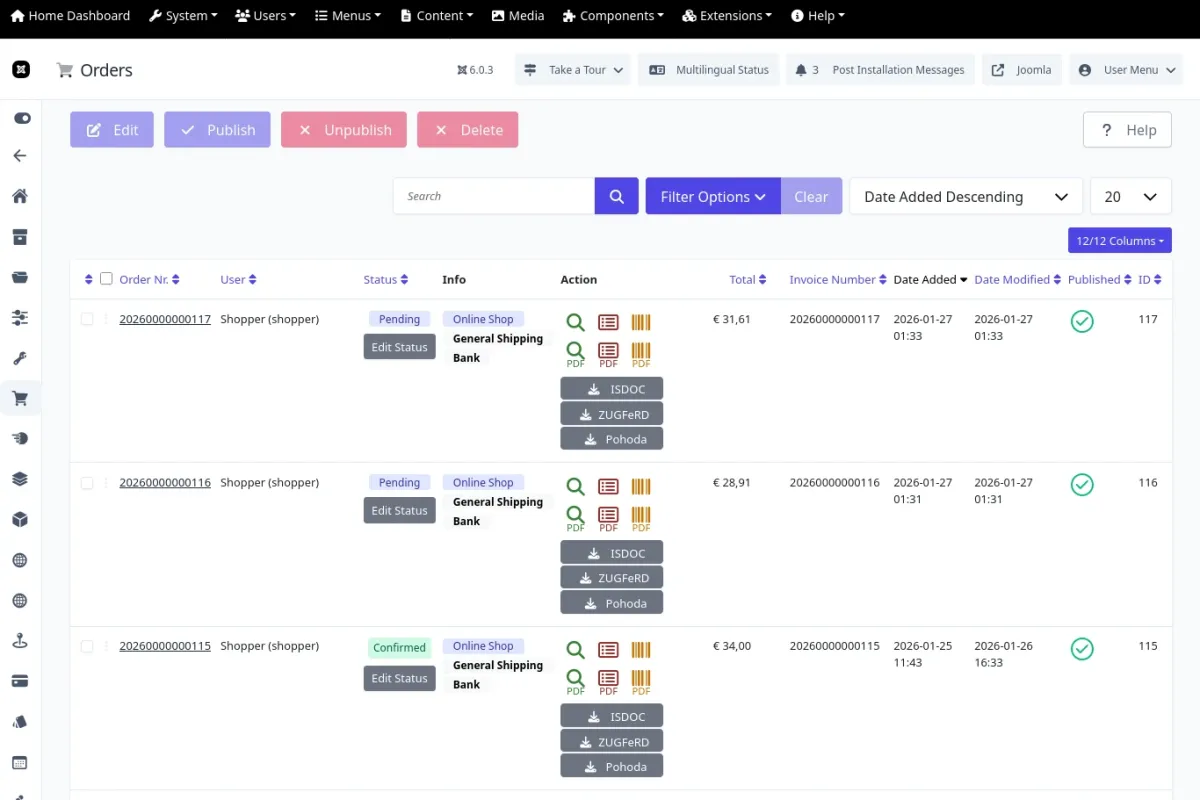
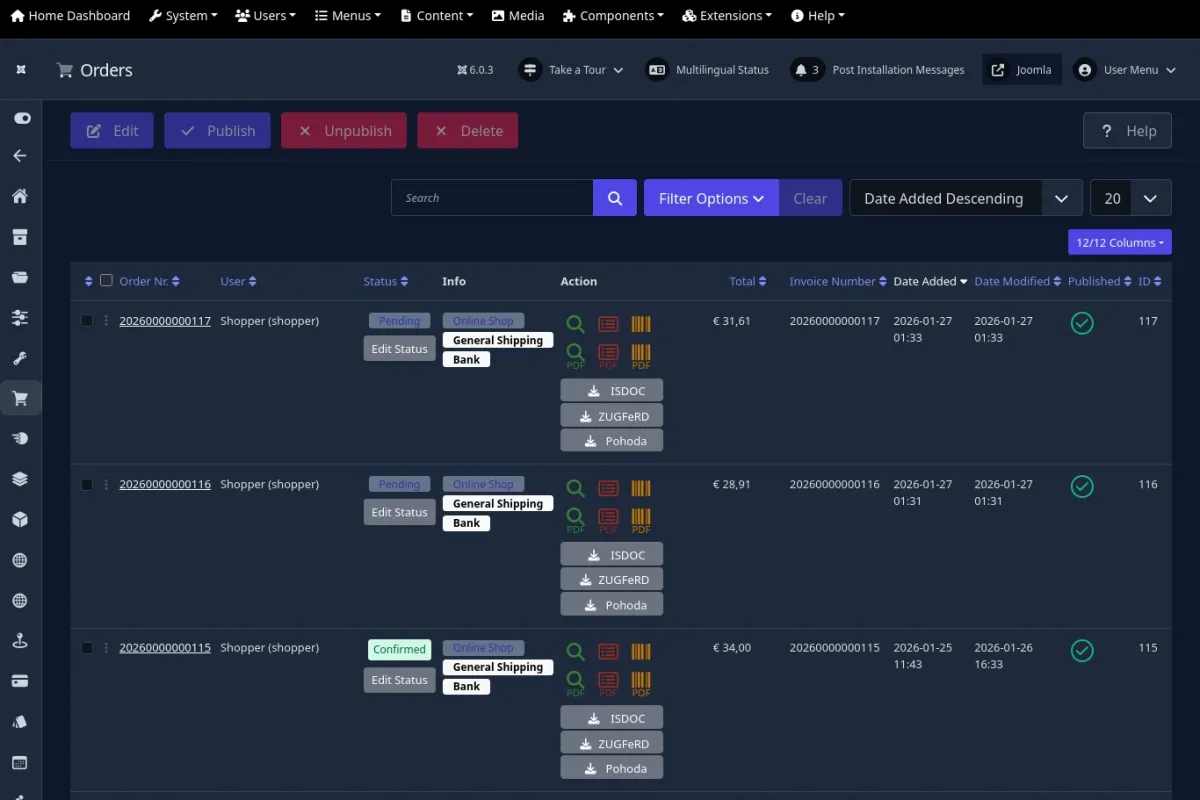
When watching our video presentations on Phoca extensions, many of our users frequently ask the same question:
"Which administrator template are you using?"
The answer might surprise you. We are not using a specialized or third-party template. We simply utilize the standard Joomla Atum template. To achieve the distinct look seen in our videos, we have prepared a dedicated user.css file that seamlessly overrides specific default styles to create a cleaner, more tailored environment.
If this refined design has caught your attention, we invite you to use it for your own projects. You are completely free to download, install, modify, improve, or correct the provided user.css file to meet your specific requirements.
Download Atum User CSS Zip file.
Installation Instructions
To apply these custom styles to your Joomla administration interface, please follow these simple steps:
- Extract the provided ZIP archive.
- Upload the extracted user.css file to the following directory on your server: [Joomla Root]/media/templates/administrator/atum/css/
- Reload your Joomla administrator page to instantly experience the updated design.
Customizing the Login Page Background
If you wish to enhance your administrator login page with a custom background image, the process is equally straightforward:
- Prepare your preferred background image and ensure the file is named bg-login.webp
- Upload this image file to the following directory: [Joomla Root]/images/template/
That is all it takes to transform your Joomla backend. We continuously strive to improve our tools and resources for the community. Should you have any feedback, suggestions for improvement, or if you happen to discover a bug in the styling, please reach out and share your thoughts with us on the Phoca Forum.