

Ok, tried again.
1) started with Fresh Joomla v5 installation
2) installation of com_phocacart_v5.0.0Beta88.zip, errors:
Warning
JInstaller: :Install: Error SQL Duplicate column name 'active_quantity'
Extension installation stopped.
danger
Error installing component
So, this is not going very good...
shopping cart not looking good
-
brutus
- Phoca Member

- Posts: 11
- Joined: 22 Nov 2024, 17:11
Re: shopping cart not looking good
I give up, testing another shopping system now.
A pitty, phoca cart looks nice
A pitty, phoca cart looks nice
-
Nidzo

- Phoca Expert

- Posts: 563
- Joined: 07 Nov 2018, 14:55
Re: shopping cart not looking good
Never give up.
-
Benno

- Phoca Hero

- Posts: 10296
- Joined: 04 Dec 2008, 11:58
- Location: Germany
- Contact:
Re: shopping cart not looking good
Hi,

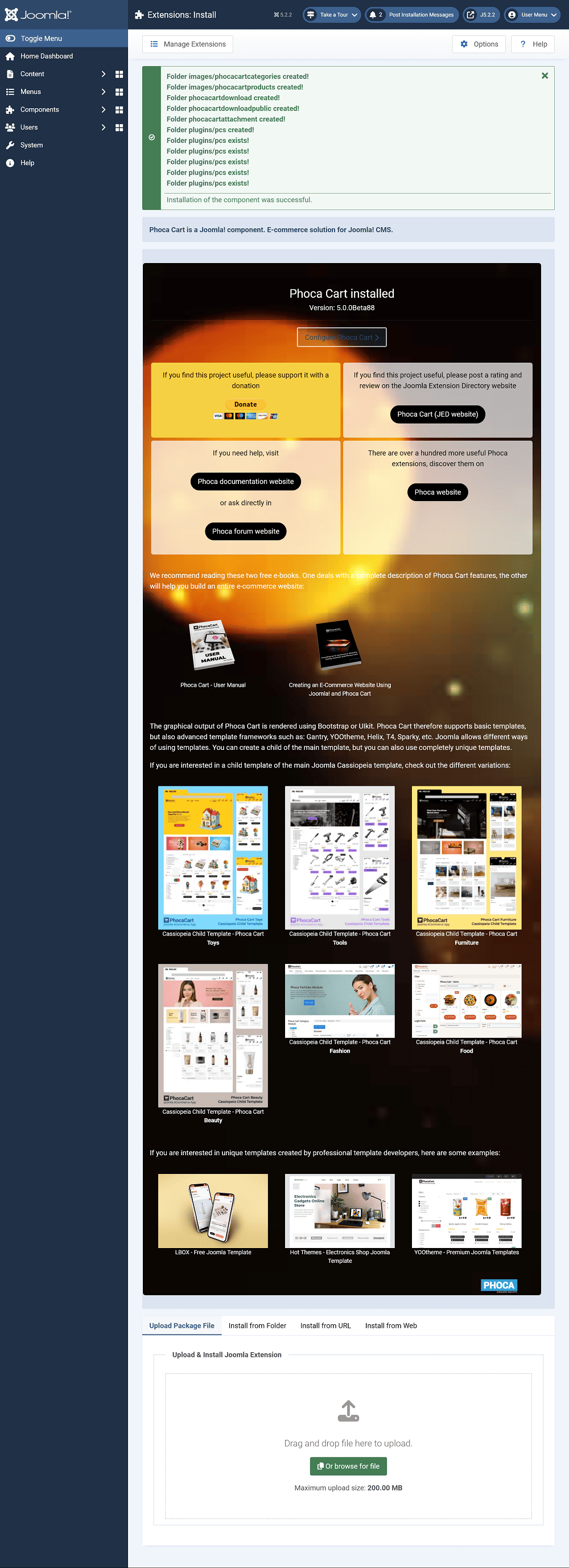
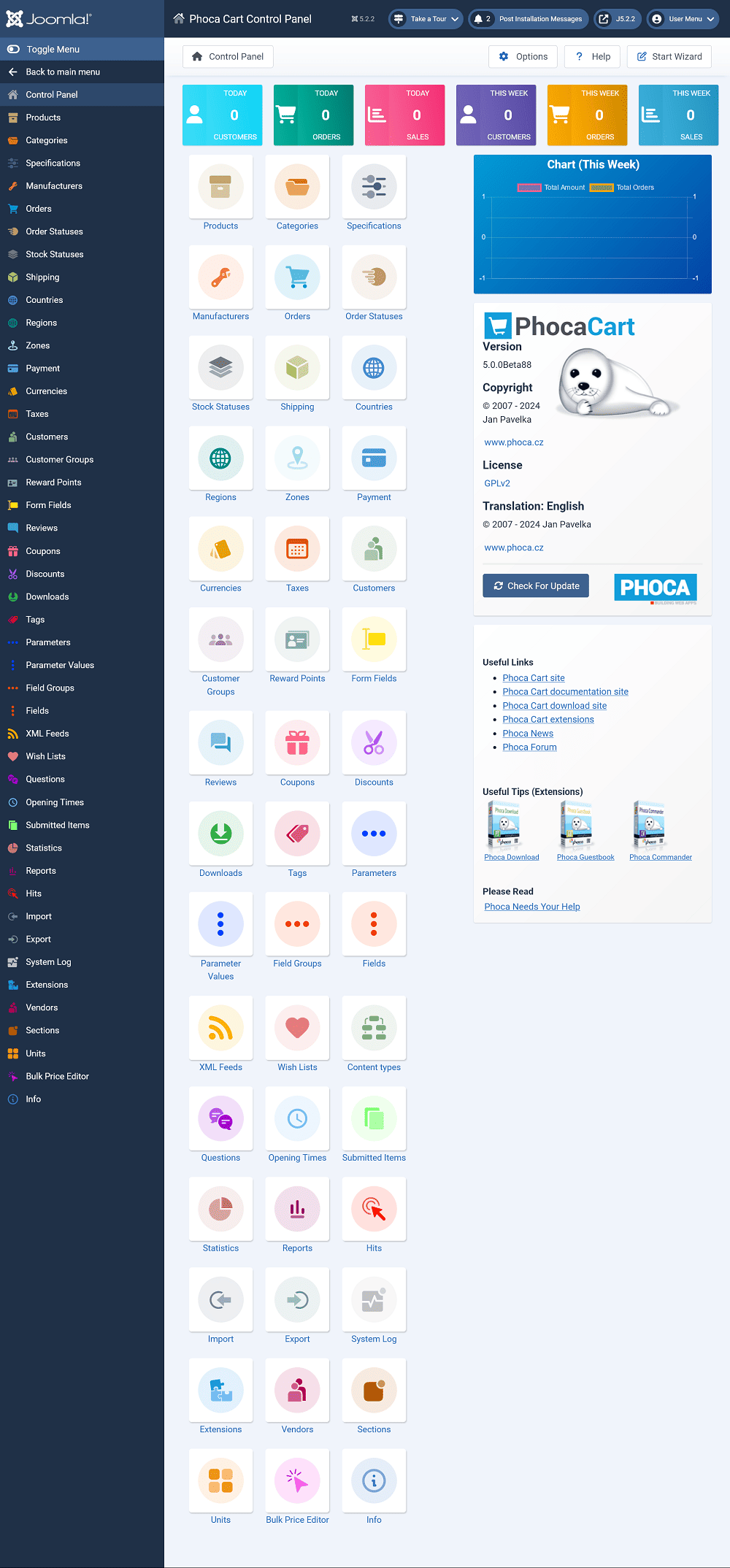
To test it I have just installed Phoca Cart v5.0.0Beta88 in a fresh Joomla! 5.2.2 without any problems or error messages.
Phoca Cart Installation:
Phoca Cart Control Panel:
Kind regards,
Benno
The only way I can explain this error message is that one or more Phoca Cart tables must have already been present in your database before the final installation, perhaps as leftovers of the previous failed installation.Warning
JInstaller: :Install: Error SQL Duplicate column name 'active_quantity'
Extension installation stopped.
danger
Error installing component
To test it I have just installed Phoca Cart v5.0.0Beta88 in a fresh Joomla! 5.2.2 without any problems or error messages.
Phoca Cart Installation:
Phoca Cart Control Panel:
Kind regards,
Benno
-
Jan

- Phoca Hero
- Posts: 49569
- Joined: 10 Nov 2007, 18:23
- Location: Czech Republic
- Contact:
Re: shopping cart not looking good
Hi,
yes, this mostly happen if there was not successful uninstallation process of previous extension version. The problem here is, Phoca Cart does not install itself, it is installed by Joomla so it is hard to somehow influence it.
Where some data (data in database or files in filesystem) stay in the system, it can cause problems while new installation. Mostly real removing of the extension helps:
https://www.phoca.cz/documentation/86-j ... m-manually
Jan
yes, this mostly happen if there was not successful uninstallation process of previous extension version. The problem here is, Phoca Cart does not install itself, it is installed by Joomla so it is hard to somehow influence it.
Where some data (data in database or files in filesystem) stay in the system, it can cause problems while new installation. Mostly real removing of the extension helps:
https://www.phoca.cz/documentation/86-j ... m-manually
Jan
If you find Phoca extensions useful, please support the project