Page 1 of 2
Thumbnail Image
Posted: 02 Dec 2024, 17:55
by Pens
Hi,
I'm just in the process of setting up a store and have a problem with the thumbnail image in the categories being cropped.
Is there a way to show the complete image in the thumbnail
see
https://masonicpens.eu/index.php front page for examples.
Thanks in advance, it sure looks like a good system
Regards
Nick
Re: Thumbnail Image
Posted: 02 Dec 2024, 18:27
by Benno
Hi,
Check whether you have specified in the Phoca Cart Options that the thumbnails should be cropped:
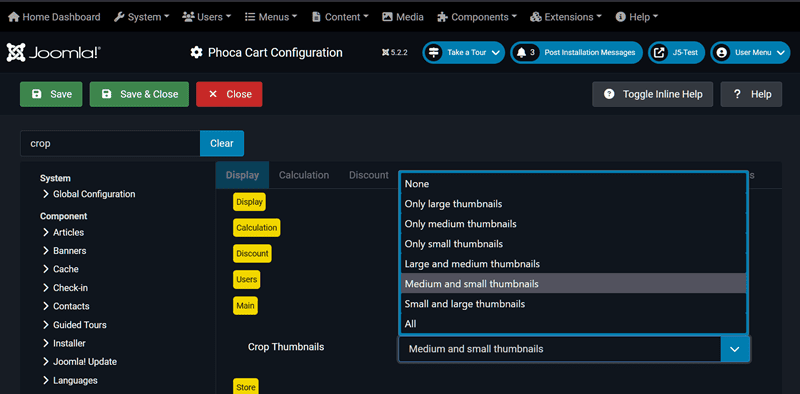
If this was set, change the value to e.g. 'None' and create the thumbnails again.
Kind regards,
Benno
Re: Thumbnail Image
Posted: 02 Dec 2024, 23:26
by Pens
Thank you, that worked.
Is there any way to remove or reduce the padding around the image?
Regards
Nick
Re: Thumbnail Image
Posted: 02 Dec 2024, 23:44
by christine
Hi Nick,
1) See: Creating the user.css File:
https://www.phoca.cz/documentation/86-j ... g-user-css
2) Insert in created File:
3) After save/close Clear the Cache. It can sometimes take a while for it to work.
Kind regards
Christine
Re: Thumbnail Image
Posted: 03 Dec 2024, 18:16
by Pens
Thanks, that doesn't have seemed to work, unless I've not cleared the cache properly.
Re: Thumbnail Image
Posted: 03 Dec 2024, 20:45
by christine
Hi Nick,
Looks OK, because with the (stored) code I no longer see any border.
Kind regards
Christine
Re: Thumbnail Image
Posted: 04 Dec 2024, 00:40
by Pens
Thanks, I'm still seeing a large border around the categories.
https://masonicpens.eu/Maspens.jpg
Re: Thumbnail Image
Posted: 04 Dec 2024, 04:19
by Benno
Hi,
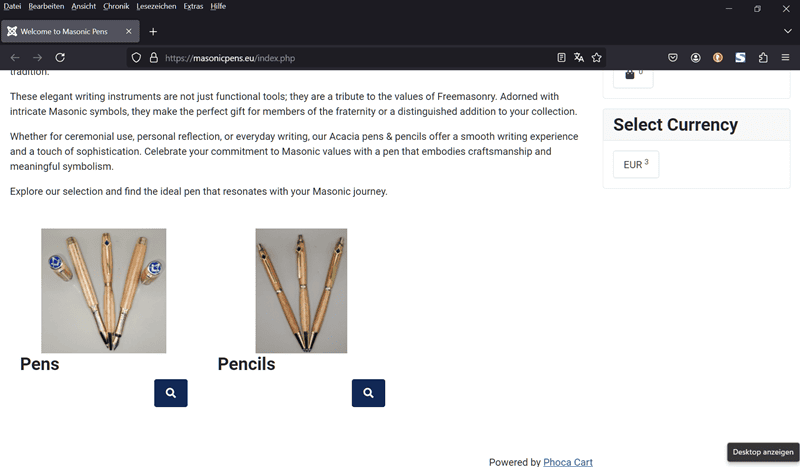
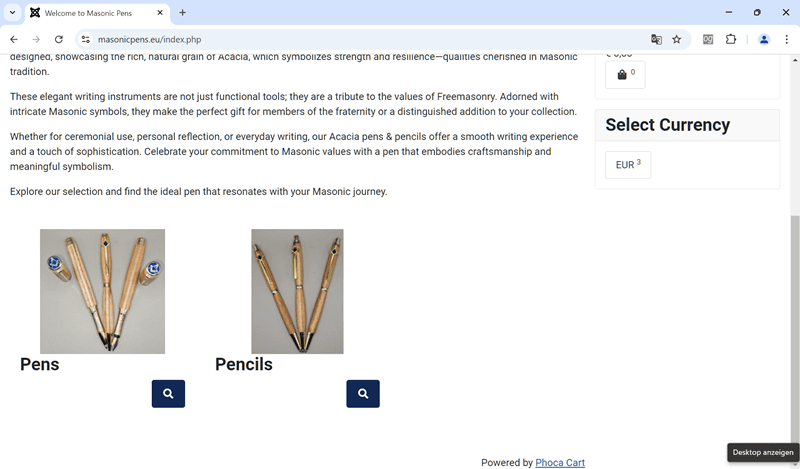
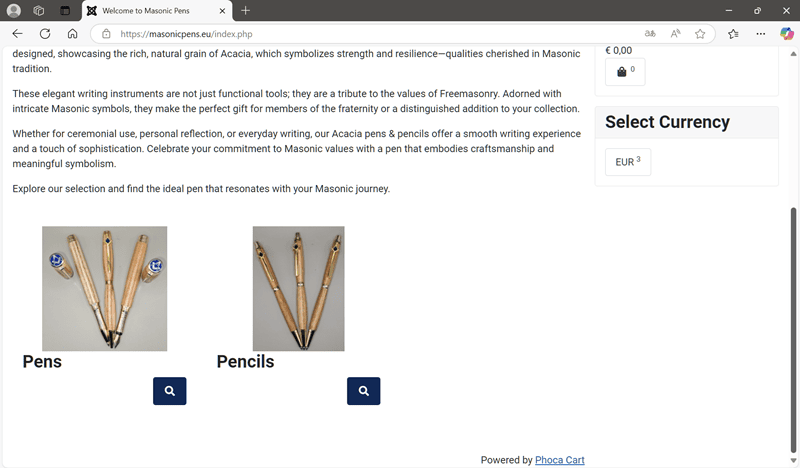
I have tested the category view of your site with three different browsers and also cannot see any borders, margins or paddings around your product images.

Firefox:
Chrome:
Edge:
Kind regards,
Benno
Re: Thumbnail Image
Posted: 04 Dec 2024, 10:56
by Pens
Thanks, I must have got the cache clearing right in the end
but now the text is overwriting the image on the products page
https://masonicpens.eu/index.php/1-masonic-pens
Any ideas.
Re: Thumbnail Image
Posted: 04 Dec 2024, 15:03
by christine
Hi Nick,
Below codes temporarily produce the following result:

Code: Select all
/*avoid overwriting image */
.phIBoxOH {
display: inline-grid;
text-align: center;
}
/*h4 centered */
h4.ph-product-header.grid {
text-align: center;
}
/* box images centered */
.jf_ph_cat_item_grid.ph-category-action-box-icons.grid {
text-align: center;
}
Kind regards
Christine